Video Production Brief Template: What to Confirm Before a Shoot
· Ty Turner
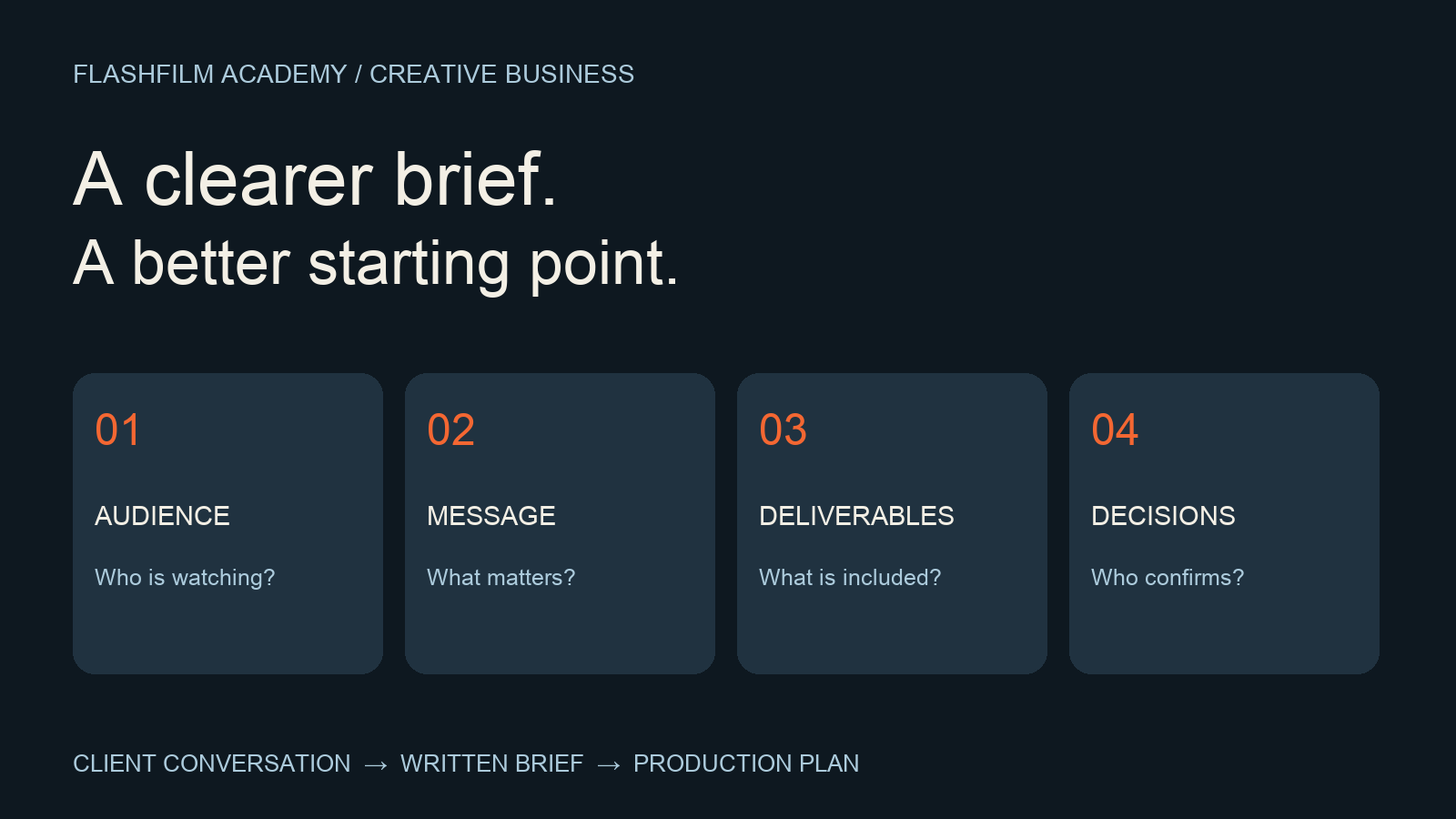
You do not need a long questionnaire to get started. You need answers that let you make decisions. This guide provides an original working template for small business video projects, plus a fictional example showing how to turn a vague request into a practical brief.
Start with one viewer and one intended action
“We need a promotional video” leaves the creative team guessing. Ask which person will watch it, what that person already knows, and what should happen after the video. Write the answer in a sentence your client can correct.
For example: “Help local homeowners understand our installation process so they feel ready to request a consultation.” That sentence suggests process footage and answers to practical questions. It also gives you a way to challenge unrelated ideas without arguing about personal taste.
Keep the intended action separate from a promised business result. You can plan a clear invitation to book a consultation; you cannot treat an untested video as a guarantee of bookings. Ask how the client will observe results and who will supply that information.
Define the delivery before designing the shoot
Write one line for each finished output. Include intended placement, approximate length, orientation, language, caption needs, and the person responsible for publishing it. Mark undecided details as open rather than quietly choosing them for the client.
A website introduction and a vertical social edit may share footage, but they need separate decisions. Ask whether each version needs a different opening, closing message, crop, or graphics. List still photography, raw footage, project files, and additional versions explicitly if they are requested, then confirm what is included in the project.
Use this client video brief template
Copy these prompts into a shared document. Replace every bracket with a confirmed answer, an open question, or a named person and due date. This is a planning worksheet; use your separate project agreement for commercial terms.
Project and version: [Project name / brief date / version number].
Audience: [Specific viewer / what they already know / the question they need answered].
Purpose: [What the viewer should understand / the next action / how the client will evaluate usefulness].
Core message and evidence: [One central point / approved facts / the person who verifies them / footage or interview material that can demonstrate them].
Deliverables: [Each output / intended placement / approximate duration / orientation / captions or languages / publishing owner].
Creative direction: [Reference links / what the client likes about each / what should not be copied / brand assets supplied].
Production: [Location / access window / participants / availability / sound or space constraints / arrangements still needed].
Approvals and dates: [Client decision-maker / feedback coordinator / brief approval / production / review / delivery / launch].
Open decisions: [Question / why it affects the plan / owner / answer needed by].
Make references useful instead of ambiguous
Ask the client to explain each reference. Do they like the pacing, the interview style, the color, or the way the offer is explained? A reference with expensive locations may simply be a request for a calm tone. Record the relevant quality instead of assuming the entire production is the target.
Then write a small acceptance check in ordinary language. For the installation example, that might be: “The viewer sees the three main stages, hears who handles scheduling, and can find the consultation link.” This makes the message review more concrete than “make it more professional.”
Give approvals an owner
Adobe’s client video collaboration guidance recommends defining roles at kickoff and keeping communication organized. Apply that principle to the brief: identify who supplies information, who consolidates feedback, and who approves the direction. Source: Adobe: 10 tips for client video collaboration
Send a dated version with a short decision request: “Please confirm the audience, deliverables, and message, or mark the changes needed.” When feedback conflicts, ask the designated decision-maker to resolve it. Record the decision in the brief rather than leaving the answer buried in a message thread.
Example: turn a vague request into decisions
Imagine a fictional local installer asks for “a cool video for our website and social.” Your first brief identifies homeowners comparing installers as the audience. The purpose is to explain what happens after an inquiry. The requested outputs are a website introduction and a separate vertical excerpt; exact durations remain open.
The client provides a reference with a friendly on-camera host. You record “conversational delivery” as the useful direction, not an instruction to recreate its set. The operations manager must verify the process description, and the marketing lead must confirm the social placement and final call to action.
Before making a shot list, resolve whether a real installation can be filmed and whether the host is available. Those two answers change what can be shown. Put them in the open-decisions section with owners and dates. This is where the brief becomes a working production tool.
Keep the brief connected to the edit
Use the approved message and deliverable list when preparing interview questions and coverage. During the first-cut review, return to those decisions. If a new request changes an output or requires a new scene, describe the change and agree on its effect before doing the additional work.
For organizing feedback after the shoot, read Client Video Review Workflow: From First Cut to Approval: Open the client video review workflow
Frequently asked questions
Should the client write the entire brief?
The client supplies business knowledge and priorities. You can lead the questions and draft the production language, then ask them to check it. Do not present your assumptions as their decisions.
How long should a video production brief be?
Use the shortest document that records the decisions your team needs. A simple project may fit on a page; multiple outputs or locations may need supporting details. Completeness matters more than a fixed page count.
What if the client cannot answer a question yet?
Label it open, name an owner, and explain what depends on the answer. Separate decisions that can wait from decisions that affect the shoot. A blank field should not become an accidental promise.
Bring a clearer plan to your next client conversation
Try the worksheet on one upcoming project. Before the meeting ends, read back the audience, message, deliverables, and open decisions. Ask the client to correct anything that does not match their intent.
Turn your approved brief into a preparation checklist with the free Shoot-Day Readiness Checklist prompt kit. It is one of ten free prompt kits for photographers and videographers inside FlashFilm Academy. Check its suggestions against your actual location, crew and client requirements. Get the free prompt kits, then choose kit 10 in the community.
Want feedback on your approach? Bring a sanitized version of your brief to the FlashFilm Academy community. Remove private client details and share only information you have permission to share.
YOUR NEXT STEP · START FREE
Take one useful step toward a stronger creative business.
Get ten free prompt kits for photographers and videographers. Research buyers, clarify your offer, track hidden work or prepare for shoot day—then check the results against real evidence.
Get the free prompt kitsEnter your email for a free community access invitation and Academy emails. Unsubscribe anytime. Already a member? Open this resource with your existing account.
Build on your first step with structured training and community. Explore Academy membership.
Join the conversation.
Read along, ask a question, or share your experience. Comments are open to active FlashFilm Academy members.
Loading comments…