Client Video Review Workflow: From First Cut to Approval
· Ty Turner
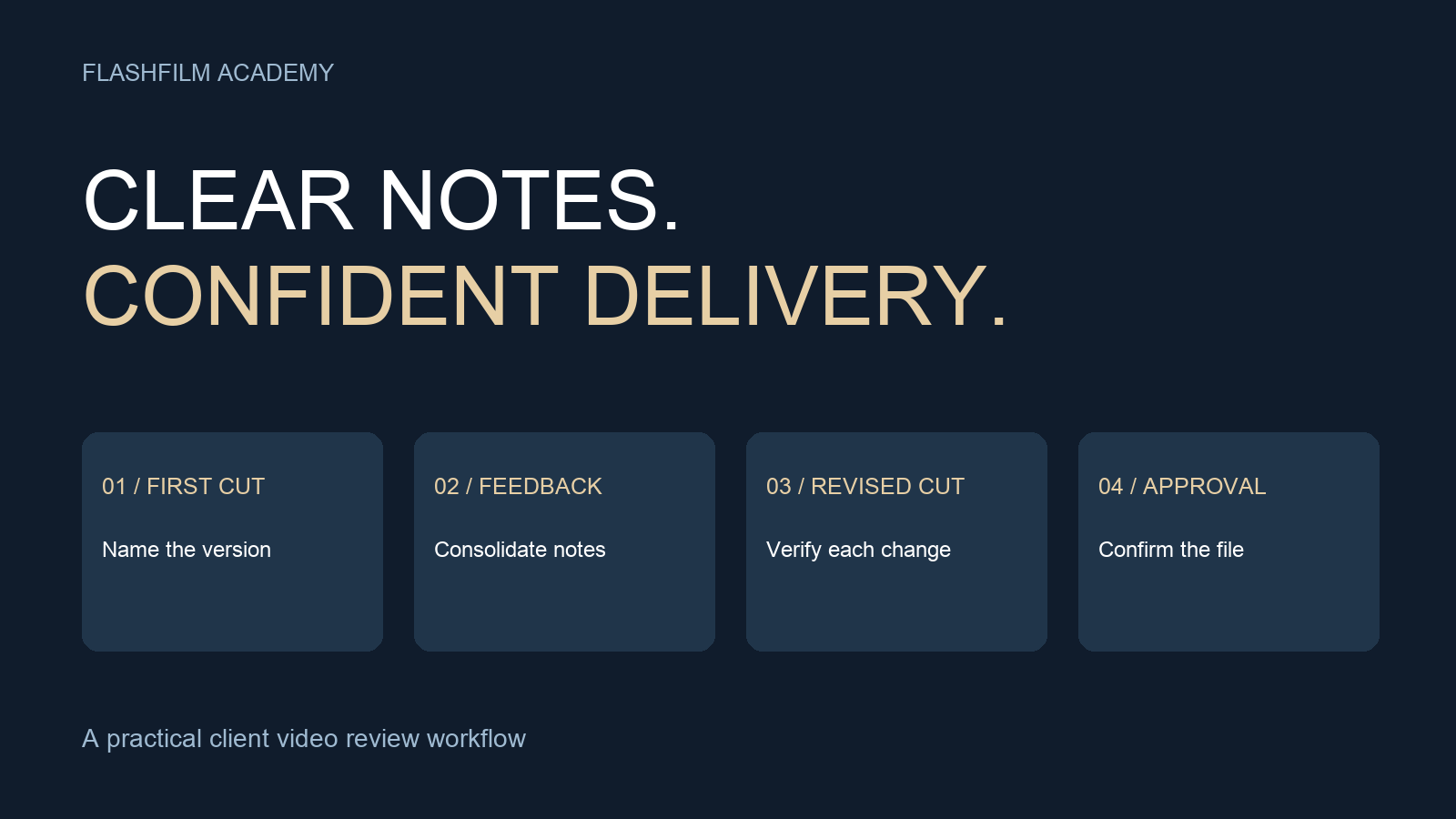
To collect useful client video feedback, send one clearly named version, explain what needs review, gather timestamped notes in one place, and ask one client decision-maker to resolve conflicting requests. After revisions, request explicit approval of the exact version you will deliver. A review link helps organize the conversation; it does not replace a clear decision process.
This workflow is for solo videographers and small production teams delivering business videos, interviews, and social content. The templates below are original working examples you can adapt to your project. They are not software requirements or a promise that every client will approve a video in a fixed number of rounds.
1. Define the review before sending the first cut
Identify the person who gathers the client's feedback and the person who can approve the finished video. Sometimes they are the same person. Ask who else must check names, claims, branding, or product details so those reviewers are included at the right stage.
Write down the deliverables, review dates, and purpose of each round. For example, the first review of a customer interview could focus on the story, selected quotes, and overall length. A later review could focus on captions, graphics, music balance, and final polish. Still encourage reviewers to flag factual errors immediately. Do not treat an unfinished color pass as an invitation to ignore a misspelled customer name.
Before work begins, agree on what constitutes a revision round and how added deliverables will be handled. A round might mean one consolidated list returned by an agreed deadline. That is an example of an operational definition to discuss, not a universal industry standard.
2. Send a review-ready cut with a short brief
Watch the exported review file yourself from start to finish. Check that sound plays, the image is not missing, and the opening and ending are complete. Label temporary music, placeholder graphics, or unfinished sections clearly. A reviewer should know whether a rough edge is intentional or a problem they need to report.
Use a filename such as Northline_Interview_60s_16x9_v01_2026-09-14.mp4. Northline is a fictional client in this example. Keep the project name, deliverable, aspect ratio, and version readable. Avoid names like final-new-final2, which make it harder to identify the cut under discussion.
Try this review brief: Please review v01 for story, quote accuracy, and pacing. Color and captions are temporary. Watch once without stopping, then add notes with timestamps. Please return one consolidated list by the agreed review date. Jordan will resolve internal differences before we begin the next pass. Replace the name, status, and deadline with the actual project details.
3. Ask for timestamp, issue, and intended result
A useful note identifies the moment, explains what is wrong, and states the desired outcome. For example: At 00:18, the lower-third title uses the old job title. Replace it with Operations Director. That gives the editor a specific correction to verify.
For a subjective note, ask for the viewer experience rather than an editing command alone. Make this more exciting might become: Between 00:05 and 00:12, we need to understand the service sooner. Can we show the installation while the speaker describes it? The editor can then propose a change that serves the message.
Frame.io's current documentation describes single-frame comments, range-based comments, and visual annotations. Those features can attach feedback to a precise moment or section. Its timestamp control can also be disabled, so check that a location-specific note actually includes a timestamp. See the official guide for the current interface.
Frame.io: Commenting on your media — https://help.frame.io/en/articles/9105251-commenting-on-your-media
You can also use a shared document with columns for version, timestamp, issue, requested result, decision, and status. Keep one request per row. The useful habit is a traceable note; the choice of tool should fit the client and the project's access requirements.
4. Resolve conflicts before opening the edit
If one reviewer says shorten the introduction and another says add more background, do not silently choose a side. Put both requests in front of the designated client decision-maker. Ask which audience and objective should guide the change. Record the resulting decision beside the original notes.
Separate factual corrections, creative preferences, and requests that change the deliverable. Replacing an incorrect name differs from adding a new interview or creating five extra cutdowns. Explain the effect on the work and schedule before committing to the added request. Keep this conversation specific: here is what changes, here is what is needed, and here is the decision we need from you.
For recurring content clients, this review routine belongs in the broader service process. Our article on content creator retainers explores the ongoing business relationship; this checklist covers the day-to-day feedback handoff.
Read: Content Creator Retainers — https://flashfilmacademy.com/news/how-to-build-profitable-retainers-for-content-creators
5. Track each note through the revised cut
Give every note a simple status: accepted, needs clarification, completed, or not proceeding with an explanation. Do not mark a change completed merely because you remember touching the timeline. Check the rendered result at the relevant moment and then update the note.
Export the next version with a new version number. Keep the previous review record available instead of overwriting the only evidence of what the client saw. In Frame.io, version stacks group versions, and the version menu lets reviewers move between them. Confirm which version is active before responding to comments.
Frame.io: Versioning — https://help.frame.io/en/articles/9101068-versioning-in-frame-io
Send a short change summary with v02: corrected the job title, moved the service demonstration earlier, and reduced the ending pause. Also list unresolved decisions. If a change affects later timing, notes from v01 may no longer point to the same moment in v02; use the appropriate version when checking the original request.
6. Approve a specific file, then check delivery
Ask for approval that identifies the deliverable and version. An operational example is: Please confirm that Northline_Interview_60s_16x9_v03 is approved for the agreed delivery. Please identify any remaining changes before we prepare the delivery package. This is a review message, not a substitute for your project agreement.
Do not infer approval from silence, an emoji on an unrelated message, or a compliment about an earlier cut. Record who approved which version and when. If you generate a separate delivery export, compare it against the approved cut and check the entire file again. Captions, aspect ratio, sound, and the ending can still be wrong even when the edit itself was approved.
Deliver clearly labeled files with a short note explaining their intended placements. Keep square, vertical, and horizontal versions distinct. If the client approved only the horizontal version, do not assume that every new crop is approved too; a vertical reframing can change what viewers see.
Frequently asked questions
What if the client sends notes by email and text?
Move the requests into the agreed review list and ask the client to confirm that the consolidated list is complete. Preserve the original meaning and identify anything ambiguous. Tell everyone where the next round should go so the same fragmentation does not repeat.
How many revision rounds should I include?
Choose a number and process that fit the project's complexity, stakeholders, and price. Define a round before work starts and explain how new requests will be evaluated. There is no single number that makes every production profitable or every client satisfied.
Can this work without paid review software?
Yes. A clearly identified video and a shared timestamped note list can support the process. Test access with the actual reviewer and choose sharing settings appropriate for the material. Do not put confidential client footage on a public page just to make review convenient.
Put the workflow into practice
For your next edit, prepare a review brief, a note list, and a version-specific approval message before exporting v01. After delivery, record where the review slowed down and change one part of the process for the next project.
Bring a sanitized review brief or a workflow question to the FlashFilm Academy community. Describe the type of video, the number of reviewers, and the decision that is getting stuck. Leave private client footage and confidential details out of the example so the discussion can focus on improving your process.
Join the FlashFilm Academy community — https://flashfilm.academy/
YOUR NEXT STEP · START FREE
Turn your creative skills into a clearer offer.
Join AI to Client, our free 5-day challenge for photographers and videographers. Work on your offer, research potential buyers and prepare a client conversation.
Start AI to Client freeEnter your email for a free community access invitation and Academy emails. Unsubscribe anytime. Already a member? Open this resource with your existing account.
Build on your first step with structured training and community. Explore Academy membership.
Join the conversation.
Read along, ask a question, or share your experience. Comments are open to active FlashFilm Academy members.
Loading comments…