Monthly Content Reports: A Practical Template for Retainer Clients
· Ty Turner
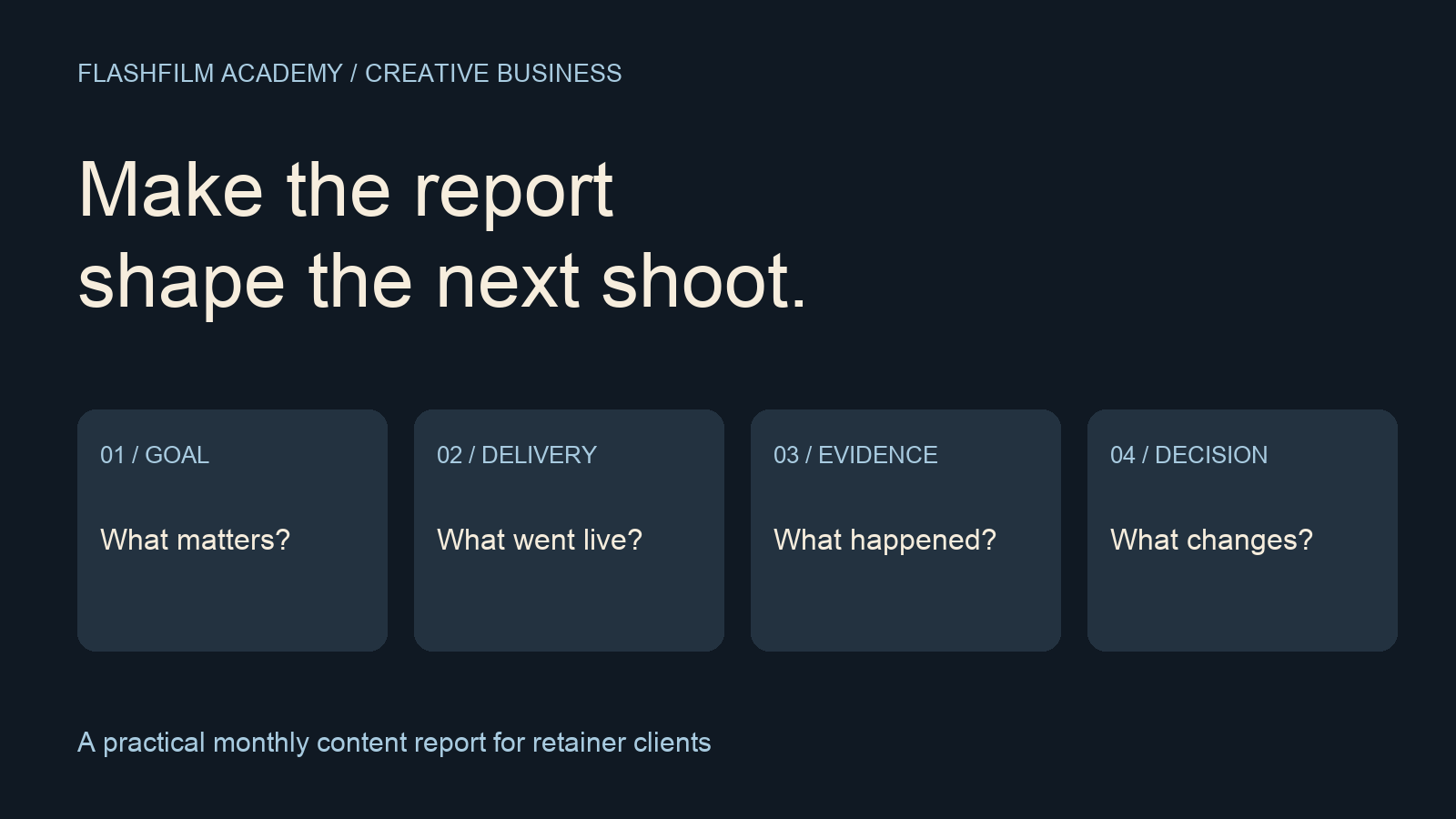
To write a useful monthly content report, connect the client's goal to what you published, what people did, and what you recommend next. Show the reporting period and data sources, separate production output from business outcomes, and label anything you cannot measure. Finish with a specific decision for the next month—not a pile of screenshots.
This guide is for photographers, videographers, and small creative teams providing ongoing content services. The report structure and fictional example below are working templates, not performance benchmarks or a guarantee that content will generate sales.
1. Agree on the question before choosing metrics
Ask the client what this month's content should help accomplish. A local service company might want better-qualified consultation requests. A recruiting team might want candidates to understand the work before applying. Those goals require different evidence, even if both clients buy four videos.
Write one sentence at the top of the report: “This month's objective was to help prospective customers understand the installation process and take the next step toward a consultation.” Then name the action you can actually observe. If you have access only to social-platform data, say so. You can report attention and interaction; you cannot confidently report website inquiries or closed sales without the relevant records.
Choose one main outcome and a few supporting measures. For a consultation campaign, those might be confirmed inquiries, visits from campaign links, and viewer retention on the explainer. Keep production completion in its own section. Delivering every promised asset matters, but it answers a different question from whether those assets influenced the audience.
2. Separate delivered, published, and measured
Create a small content register with the asset name, intended placement, delivery date, actual publication date, public URL, and measurement cutoff. Include a status such as delivered, awaiting approval, published, or removed. This prevents an unpublished video from quietly being counted as an underperforming campaign.
Use the same reporting window for the overall account comparison. When comparing individual pieces, consider how long each has been live. A video posted on the last day of the month has had less time to accumulate results than one posted on the first. A separate first-seven-days comparison can be useful if you have those records; do not invent a historical snapshot you never collected.
Record paid distribution separately from organic distribution. If the client boosted one post, flag that context beside its results. A larger audience after added spending does not, by itself, show that the creative was better.
3. Use evidence that fits each question
For delivery, use the agreed deliverable list and approval record. For audience behavior, use the platform's own analytics. For website activity, use the client's authorized analytics access. For qualified inquiries and sales, ask the client's responsible team for an agreed, consistently defined count. Do not add these numbers together: they describe different stages, and one person may appear in more than one system.
YouTube's official retention guide explains that dips can indicate viewers skipping or leaving a section, while spikes can reflect rewatching or sharing and may also signal confusion. Use the graph to identify a moment worth reviewing, then watch that moment. A graph alone cannot tell you why a particular viewer left.
Source: YouTube Help, Measure key moments for audience retention — https://support.google.com/youtube/answer/9314415?hl=en
For links from a newsletter or social placement to the client's website, agree on a consistent campaign naming scheme. Google Analytics documents utm_source, utm_medium, and utm_campaign for identifying referring campaigns, with utm_content available to distinguish creative variants. Those values can be inspected in acquisition reporting. Keep spelling and capitalization consistent.
Source: Google Analytics Help, Collect campaign data with custom URLs — https://support.google.com/analytics/answer/10917952?hl=en
A tagging plan is not proof that tracking works. Before the campaign, ask the analytics owner to test the link and intended inquiry action. In your report, note when tracking began and any known missing periods. Do not interpret unavailable data as zero activity or claim every sale came from the most recent video.
4. Write findings as observation, interpretation, and next action
Use three short sentences for each important finding. First state the evidence. Then give a cautious interpretation. Finally recommend a test or production decision. This makes it easier for the client to distinguish a measured result from your professional judgment.
Example: “Viewers frequently left during the extended opening before the demonstration. The opening may be delaying the answer promised by the title. Next month, test a cut that shows the completed installation first, then explains the process.” Keep the alternative explanation in mind: traffic source, audience, title, or placement could also have changed.
Choose one or two useful changes rather than redesigning the whole campaign at once. If you change the opening, topic, audience, budget, and landing page together, you will have a harder time identifying what helped. Describe the next comparison before you produce the new material.
5. Copy this one-page monthly report template
Reporting period and cutoff: [dates and timezone]. Objective: [audience, problem, desired action]. Data sources: [platform exports, analytics report, client inquiry record]. Known gaps: [missing access, tracking start date, unpublished assets, or none identified].
Delivery: [assets promised], [assets approved], [assets published], and [items waiting on a decision]. Link to the content register and exact approved versions instead of attaching a confusing collection of similarly named files.
Results: [main outcome with definition and source]. Supporting evidence: [two or three measures tied to the objective]. Comparison: [equivalent period or comparable asset age], with [changes in spend, distribution, timing, or measurement]. If the earlier period is unavailable, establish a baseline rather than inventing a percentage change.
Findings: [observation], [possible explanation], [recommended action]. Next month's production: [specific subject, shot, edit, or placement]. Client decision needed: [decision], owned by [person], due [date].
Illustrative example only: Northline, a fictional installer, received four approved videos; three were published and one awaited a technical correction. Its team confirmed six inquiries during the month, but referral information was incomplete. The report should say “six recorded inquiries; content attribution unverified,” not “our videos generated six leads.” The next shoot could address the repeated customer question about installation time, while the client improves its inquiry-source record.
6. Turn the report into a production brief
Translate the chosen action into something your crew can capture. “Improve engagement” is too broad. “Film a short sequence showing arrival, preparation, installation, and the finished space so the next explainer can answer the timing question visually” gives you coverage to plan.
Connect that brief to your review process. Identify who checks technical claims, who approves the edit, and where the client will publish it. This keeps the report from becoming a separate document that nobody uses when the next shoot begins.
Related guide: Client Video Review Workflow: From First Cut to Approval — https://flashfilmacademy.com/news/client-video-review-workflow
Frequently asked questions
What if the client will not share sales data?
Report only what you can verify and name the limit. You can still provide delivery records, platform behavior, and practical creative recommendations. Ask whether the client can share an aggregate count of qualified inquiries under an agreed definition, without exposing private customer details.
Should I report views or leads?
Report the measure that answers the agreed objective, with supporting context. Views can describe exposure; qualified inquiries describe a later action. Neither automatically proves revenue. Avoid comparing view counts across platforms as though every platform defines and counts a view identically.
What if the numbers are too small to show a clear trend?
Show the actual counts and avoid dramatic percentage headlines. Record the question you want to investigate, keep the comparison consistent, and collect more evidence. Qualitative feedback can suggest the next topic, but label it as feedback rather than a statistically established result.
Build the habit with your next client
Start with the template, fill every gap honestly, and bring one concrete production recommendation to the monthly conversation. A useful report helps a client understand the work and make the next decision; it does not need to pretend every outcome is measurable.
Want feedback on your reporting process? Join the FlashFilm Academy community and bring a sanitized example of your objective, measures, and next shoot decision. Learn alongside creators building more deliberate production and business workflows.
Join FlashFilm Academy — https://flashfilm.academy/
YOUR NEXT STEP · START FREE
Take one useful step toward a stronger creative business.
Get ten free prompt kits for photographers and videographers. Research buyers, clarify your offer, track hidden work or prepare for shoot day—then check the results against real evidence.
Get the free prompt kitsEnter your email for a free community access invitation and Academy emails. Unsubscribe anytime. Already a member? Open this resource with your existing account.
Looking for editable agreements? Explore the paid Ultimate Contract Pack. Templates are not a substitute for independent legal advice.
Build on your first step with structured training and community. Explore Academy membership.
Join the conversation.
Read along, ask a question, or share your experience. Comments are open to active FlashFilm Academy members.
Loading comments…