How to Turn an Interview Transcript Into a B-Roll Shot List With AI
· Ty Turner
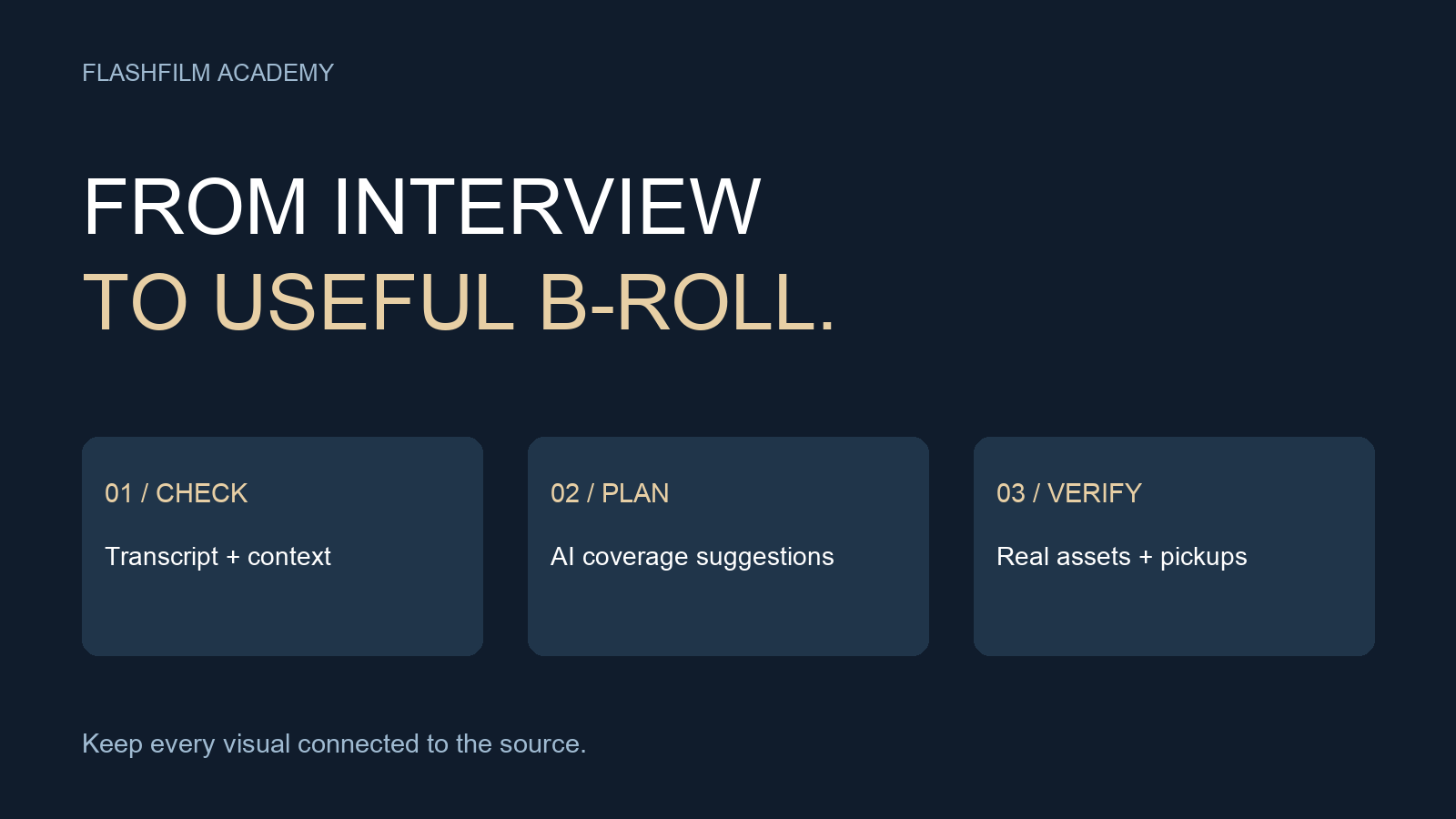
To turn an interview transcript into a B-roll shot list with AI, provide a checked transcript, describe the video's purpose, list the footage you already have, and ask for visual suggestions tied to exact source passages. Then review each suggestion for accuracy, availability, and practicality. Treat the result as a planning draft: it does not establish that a shot exists or that the speaker said something they did not say.
This workflow is for interview-led business videos and customer stories. It helps answer a specific production question: what supporting footage should we use or capture for these selected interview moments? You can use a text-based AI assistant for the planning pass and finish the decisions in your usual editing and production tools.
Start with a transcript you have checked
Listen to the selected interview passages while reading their transcript. Correct names, product terms, numbers, and missing words. Preserve the original meaning, including qualifications such as sometimes, in this location, or during our pilot. A confident-looking transcript is not sufficient evidence for a quote.
Keep a source identifier with every passage. Use a clip name plus source timecode when available. If your transcript only has elapsed timestamps, label them as elapsed timestamps rather than presenting them as frame-accurate edit points. An editor should be able to find the original answer and hear what came immediately before and after it.
Provide only material you are permitted to share with the selected AI service. Remove confidential customer details when they are unnecessary for planning. If the service is not approved for the client's material, use an anonymized outline or complete the breakdown locally by hand.
Give the assistant a production brief and an asset list
Explain who the viewer is, what they should understand, the intended running time, and the delivery format. Then describe your available locations, equipment, people, and filming window. These constraints make it easier to reject ideas that are impossible on the actual shoot.
Separate existing assets from potential pickups. For example: available footage includes a wide exterior, a technician entering the workshop, and close-ups of an approved sample product. Possible pickups include packing a sample order and checking a demonstration checklist. Do not describe planned footage as if it has already been recorded.
Runway's shot-list guide describes AI-generated lists as a starting point for creative review and notes that production constraints still require human filtering. We use that limited planning role here; the specific prompt and interview example below are original Academy exercises.
Source: Runway's AI shot-list guide — https://runway.com/resources/ai-shot-list
Use a prompt that keeps evidence and ideas separate
Copy and adapt this prompt:
Act as a production planning assistant for an interview-led business video. Use only the transcript and asset inventory below. Preserve exact quotes and source references. Do not invent facts, footage, locations, customer results, or timestamps. For each selected passage, return: source reference; exact quote; what the viewer needs to understand; proposed visual; existing asset or pickup needed; shot size and subject action; practical constraint; and question requiring human confirmation. Label every proposed shot as a suggestion until verified. Flag passages that are better left on the interviewer's or interviewee's actual image rather than forcing a cutaway. If a claim cannot be shown honestly with the supplied material, say so. Group pickup suggestions by location after the passage-by-passage list. Brief: [insert]. Transcript: [insert]. Available assets: [insert]. Constraints: [insert].
Do not upload an entire archive just because the prompt accepts a long input. Start with a small sequence and inspect whether the assistant preserves the words and references correctly. If it rewrites a quotation, remove that row and ask it to quote the supplied text exactly.
Work through one example before planning the whole video
Imagine a fictional workshop interview with this approved line: Before an order leaves, we check the label against the packing sheet. The source is Interview_A, elapsed 02:10. The existing footage inventory contains a medium shot of a worker packing a demonstration order, but no clear image of the check itself.
A useful coverage suggestion is a close-up of the worker comparing a sample label and packing sheet, followed by the package being closed. Mark it pickup needed, and confirm that the action reflects the real process. Use demonstration paperwork without private addresses. The interview line establishes the subject; the shot makes the described action understandable.
An unhelpful suggestion would be a fabricated dashboard claiming zero shipping errors. That adds a result the speaker did not establish. Another weak suggestion is a drone shot of an unrelated warehouse: it may look polished but does not explain the check.
Keep the source passage connected to the visual even if the final edit changes timing. The timestamp points to the original interview, not automatically to the finished timeline. Recheck the relationship after trimming or rearranging the sequence.
Turn suggestions into a shootable pickup list
Review the proposed rows and assign a status: existing and verified, pickup approved, needs clarification, or omit. Open each supposedly existing clip and confirm that it contains the required action. A filename alone does not prove that the coverage is usable.
For pickups, specify a visible action instead of a vague mood. Replace professional teamwork with two staff members reviewing an approved sample layout and pointing to the same marked change. Note the location, people needed, props, framing, and any restrictions. Group shots by setup so the crew can capture related coverage together.
Prioritize the shots that explain essential steps or provide necessary context. A simple three-level list works: essential to understanding, useful for continuity, and optional atmosphere. If the filming window shrinks, you can reduce the optional material without losing the main explanation.
Keep generated imagery distinct from documentary evidence
Planning a shot with AI is different from generating the image itself. A proposed shot can become a real pickup, an approved graphic, a licensed asset, or no insert at all. Do not let a planning assistant quietly change the asset category.
Runway's B-roll guide distinguishes tools that find existing footage from models that generate new footage. That distinction matters in a customer story: a generated factory, employee, or screen is not a recording of the client's real operation. If you use an illustrative visualization, agree on its role and presentation with the client and avoid implying that it documents an actual event or result.
Source: Runway's AI B-roll guide — https://runway.com/resources/ai-b-roll-guide
Check the assembled sequence, not just the list
Watch the interview with the selected coverage in place. Does the image support the exact words being spoken? Does it accidentally imply a different location, product, person, or outcome? Can the viewer understand the action without an explanation from the editor?
Leave room for the person speaking. An emotional answer, a hesitation, or a meaningful expression may deserve to stay on screen. B-roll should help the story, and a long list of suggestions is not a requirement to cover every sentence.
Frequently asked questions
Can AI create the final shot list from a transcript alone?
It can propose a draft, but the transcript does not tell it which locations are accessible, what footage exists, or what the client permits you to show. Add the asset inventory and production constraints, then verify the output.
Should I ask AI to rewrite the interview into a cleaner quote?
Keep planning summaries separate from quotations. Use the actual recording to select and edit speech, and check the surrounding context. Do not place rewritten words in quotation marks and attribute them to the speaker.
What if we cannot film a suggested shot?
Look for honest coverage already available, an approved explanatory graphic, or a stronger moment of the interview itself. Record the gap instead of filling it with a misleading substitute.
Practice on a short interview sequence
Try this process on three selected answers before applying it to a full project. Your deliverable is a verified coverage list with source references, clear asset status, and a realistic pickup plan. Compare that plan with the finished edit to learn which suggestions were useful.
For a broader foundation in planning, shooting, and editing, explore our Video Production 101 challenge preview. Bring an anonymized shot-list example to the Academy community and explain what you are trying to show, what footage you have, and what still needs to be captured.
Explore Video Production 101 — https://flashfilmacademy.com/news/video-production-101-25-day-challenge
Join the FlashFilm Academy community — https://flashfilm.academy/
YOUR NEXT STEP · START FREE
Take one useful step toward a stronger creative business.
Get ten free prompt kits for photographers and videographers. Research buyers, clarify your offer, track hidden work or prepare for shoot day—then check the results against real evidence.
Get the free prompt kitsEnter your email for a free community access invitation and Academy emails. Unsubscribe anytime. Already a member? Open this resource with your existing account.
Build on your first step with structured training and community. Explore Academy membership.
Join the conversation.
Read along, ask a question, or share your experience. Comments are open to active FlashFilm Academy members.
Loading comments…