Wedding Video Venue Restrictions: What to Confirm Before Booking
· FlashFilm Academy
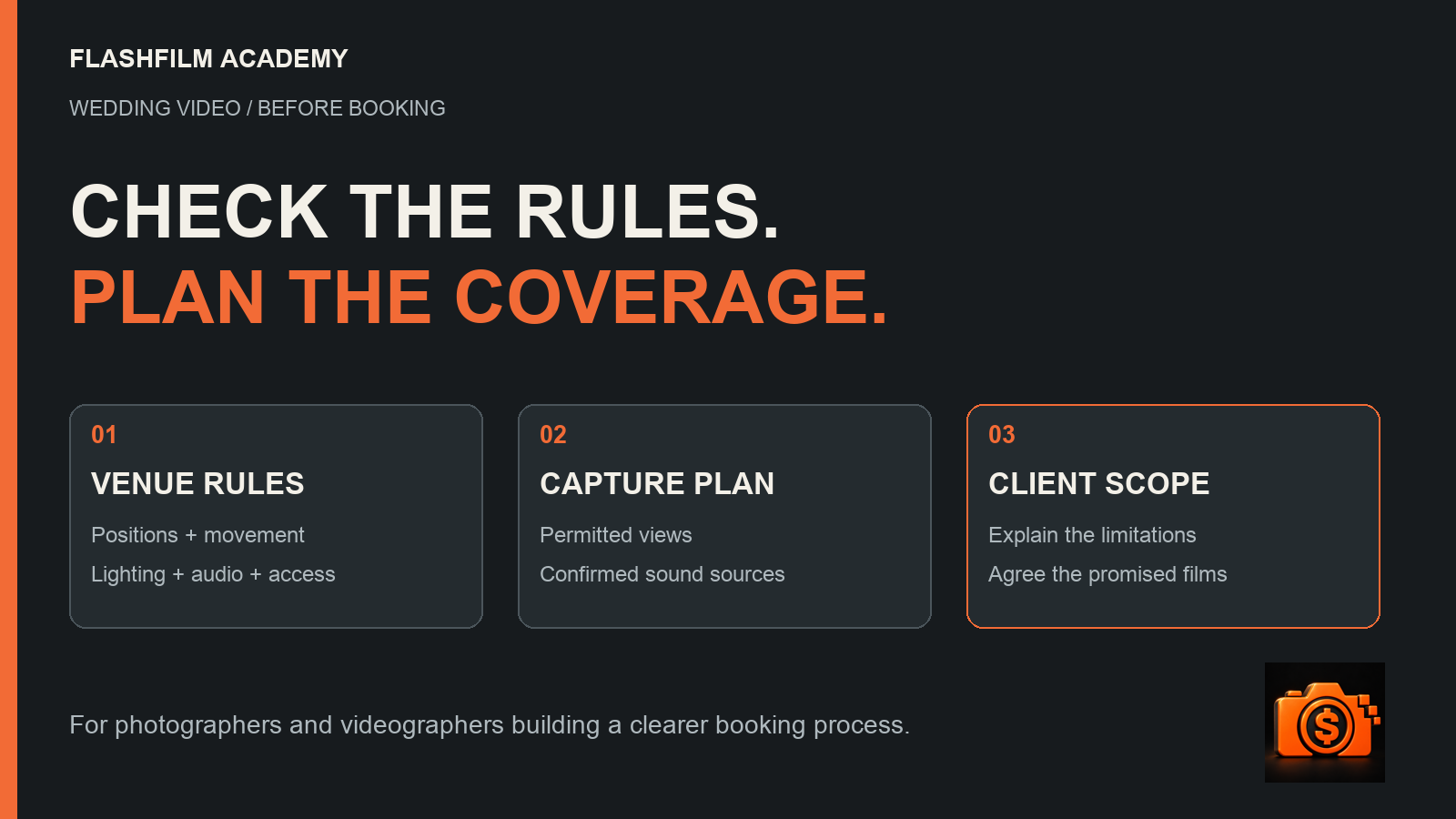
Before promising wedding ceremony coverage, confirm where you may film, whether you may move, what lighting and audio arrangements are allowed, when you can set up, and who must approve the plan. Turn those answers into a practical capture plan and explain any effect on the films the couple will receive. Save the venue's current instructions with the booking.
For a wedding videographer, this preparation connects the creative promise to the place where the work happens. Photographers working alongside the video team benefit from the same discussion. A beautiful portfolio example may depend on access, positions or lighting that a different venue will not permit.
Why venue rules belong in the booking conversation
Restrictions can affect the view of the vows, the visibility of faces, your ability to reposition during the processional, and the sources available for recorded sound. A second operator helps only if that person has somewhere useful and permitted to work. An extra camera does not create permission to place it near the couple.
For a real example, SMU's published Perkins Chapel wedding rules require stationary videography from specified positions. Additional ceremony lighting is prohibited; remote-camera placement needs the chapel technician's and minister's discretion. The document also requires vendor approval at least 30 days before the wedding. These are this venue's requirements, not a universal church-filming policy.
Read the current documents and ask the venue to confirm how they apply to your booking. If a staff member gives instructions that differ from a published policy, identify the discrepancy and request clarification before building your coverage around an exception. Ask who can approve a change and save the answer.
Seven questions to answer before promising the ceremony film
- Positions: Where may each operator and unattended camera be placed? Ask for a marked plan or photographs of the permitted areas.
- Movement: Can you change position during the ceremony, procession or recessional? Identify any point when movement must stop.
- Lighting: Are added lights allowed? Can the venue demonstrate the ceremony lighting you should expect?
- Audio: May you fit personal microphones, place recorders or receive a sound-system feed? Who approves and operates each arrangement?
- Access: When can the team enter, test, set up and remove everything? Include load-in and any rehearsal access.
- Approval: Which venue, officiant and technical contacts must approve the plan? Ask about vendor paperwork, insurance requirements and deadlines.
- Existing recording: Does the venue provide its own video or livestream? Clarify access, delivery, permission to use the files and how that recording relates to your work.
That last question deserves attention. Duke Chapel's wedding information says its reservations include a livestream and ceremony recording. That does not establish your permission to download, edit or deliver those files. Confirm the actual arrangement before listing a venue recording as part of your package.
Turn the answers into a capture plan
Consider a fictional booking where the venue approves two stationary positions: one behind the final row and one to the side. It does not approve an operator in the center aisle or an unattended camera near the front. This is an illustrative planning exercise, not a description of either venue cited above.
Assign the rear position to a continuous wide view. Evaluate the side position for a closer view of the couple, checking whether flowers, the officiant or standing guests could block it. Review where people will face during the vows. Record the limitations you can identify; avoid promising that every face and reaction will be visible throughout the ceremony.
Share the position plan with the photographer so the teams understand each other's view. Ask the coordinator to explain where guests, readers and wedding-party members will stand. If a rehearsal or site visit is available, use it to test the assumptions. A floor plan alone does not reveal every obstruction.
Plan sound as its own permission decision
Permission to film does not answer every audio question. Ask separately about microphones on people, equipment near a lectern, access to the venue's sound system and any recording supplied by its technical team. Explain what you intend to do and obtain the relevant approvals and participants' consent.
If an approved feed is available, arrange a test with the person responsible for it. Listen to a saved recording rather than relying only on a meter. Confirm which voices the feed actually contains. Do not promise that one source captures every reader, musician and spoken vow. Plan additional approved sources where practical, then explain any remaining uncertainty.
Separate confirmed coverage from unresolved requests
Give each requested exception an owner and a deadline. For example: the client asks about front-of-room access; the venue's technical contact confirms the allowed position; the videographer updates the capture plan. Until the answer arrives, describe that angle as an unresolved request.
If the venue refuses it, offer a workable revised plan and explain what the couple would see differently. Additional crew, changed deliverables or more preparation may affect the proposal. Agree on those changes through the booking's established approval process before committing the work.
Connect the filming plan to the agreement
The Academy's supplied Wedding Video Production Agreement includes a place to record restrictions and sections addressing house rules, venue and location limitations, permits, and the event schedule. It provides a starting point for discussing responsibilities and the effect of location rules. Read the actual document and customize it to the services you intend to sell.
The supplied version also contains older Video DVD wording and inconsistent references to photography and corporate events. Have those details and the agreement as a whole reviewed and adapted to your current wedding-video workflow. Do not assume a template already describes your online delivery, modern audio plan or every venue approval you need.
Keep four records aligned: the venue's instructions, the capture plan, the client's agreed scope and the final agreement. Specify who obtains each permission and when it must be confirmed. Record the consequence for the planned coverage without claiming that a clause automatically settles every possible dispute. Your client agreement does not itself grant access that the venue has refused.
For the separate question of which finished films and source files are included, use our wedding video deliverables guide. Define the films and review process after checking that the permitted capture plan can reasonably support them. This article focuses on filming access and preparation, rather than replacing that deliverables discussion.
Send a short confirmation before the wedding
Create a single current production note that the client, coordinator and relevant crew can understand. Include the venue contact, approved positions, movement and lighting limits, audio arrangements, setup window, unresolved requests and the date of the latest confirmation. Attach or link the current policy. Keep private contact details in your project records.
One useful message is: We have planned ceremony coverage from the approved rear and side positions. Please review the attached position plan and the listed audio arrangements. The requested front position remains unapproved. We need the venue's confirmation by the stated deadline so we can finalize the coverage and update any affected deliverables together.
Adapt that example to the facts; do not send fictional approvals as if they are real. Before the day, resolve any differences between what the couple expects and what the venue allows. If instructions change on arrival, follow the venue's directions, explain the effect to the authorized client contact and document the revised plan when practical.
Questions wedding videographers ask about venue restrictions
Can the couple give permission to film anywhere?
Ask the venue who can approve each requested position or exception. The couple's preference alone does not confirm venue approval. Keep their creative priorities in the brief while you verify what is actually permitted.
Should I add another camera when movement is restricted?
First identify an approved position with a useful view and a workable operating plan. More equipment can add setup and monitoring work without solving an obstructed angle. Choose coverage that fits the confirmed access and staffing.
Can I promise clear vows if I cannot place a microphone?
Discuss other permitted sources and test them where possible. Explain what is confirmed and what remains uncertain before promising the result. Editing cannot reliably recover speech that was never captured clearly.
Does a venue-limitation clause guarantee protection?
No template guarantees legal protection, payment or enforceability. The applicable law, facts and complete agreement matter. Have a qualified lawyer in the relevant jurisdiction review the responsibilities, limitations and change process for your business. The planning examples here are educational guidance, not legal advice.
Put your next wedding booking in writing
Buy the Wedding Video Production Agreement for $39.99 if you need an editable starting point for your wedding-video booking workflow. The current product offers Word, PDF and fillable PDF formats as a one-time purchase. Review and customize the actual document, including its older wording, with qualified local legal help.
For several types of creative assignments, explore the $99 Ultimate Contract Pack and its current agreement library and sales-template bonuses. Contract purchases are separate from Academy membership; buying a template does not enroll you in the paid courses.
For a free preparation exercise, get the Free Prompt Kits and use Shoot-Day Readiness Checklist. Kit 10 includes a PDF worksheet and TXT prompt to organize people, location, access, approvals and delivery. Check any AI-generated suggestions against the actual venue instructions.
Create or sign in to your Academy account first. New free-resource access requires Academy marketing email opt-in and subscription confirmation when prompted. No paid membership is required; you can unsubscribe anytime. For structured photography, video, business and practical AI training with community support, explore paid monthly and annual Academy membership.
Sources, supplied agreement and offers checked November 4, 2026. Cover: original FlashFilm Academy planning diagram; no venue floor plan or equipment photograph is depicted.
YOUR NEXT STEP · START FREE
Take one useful step toward a stronger creative business.
Get ten free prompt kits for photographers and videographers. Research buyers, clarify your offer, track hidden work or prepare for shoot day—then check the results against real evidence.
Get the free prompt kitsEnter your email for a free community access invitation and Academy emails. Unsubscribe anytime. Already a member? Open this resource with your existing account.
Build on your first step with structured training and community. Explore Academy membership.
Join the conversation.
Read along, ask a question, or share your experience. Comments are open to active FlashFilm Academy members.
Loading comments…