Client Video Handoff Checklist: Deliver Files With Confidence
· Ty Turner
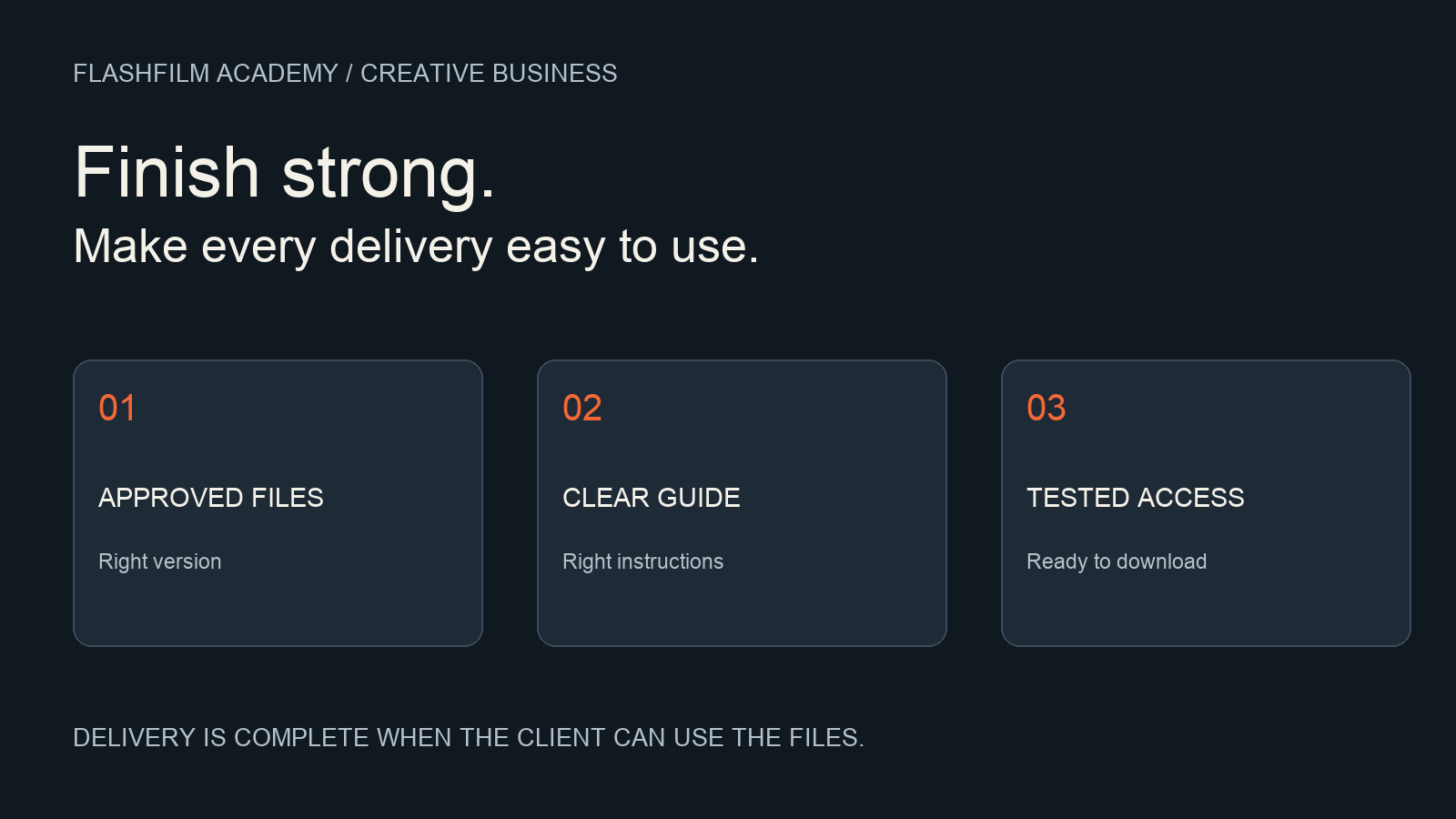
To hand off a finished client video, deliver the approved exports in a clearly organized folder, include a guide explaining each file, test the recipient's download access, and ask the client to confirm receipt. Match the package to the agreed deliverables. A successful upload is only one step; the client still needs to know which file to use and where it belongs.
This checklist is for freelance videographers and small production teams completing a business video assignment. It covers the transition from an approved edit to usable client files, rather than the earlier process of collecting creative feedback.
1. Turn the agreed deliverables into a delivery list
Before exporting, write one line for every promised output. Include the asset name, intended placement, orientation, duration, language, caption treatment, and any technical specifications supplied by the client's publishing team. Record who will receive the files and who will upload them.
Do not assume that the highest-resolution export is the correct file for every placement. A website manager, social media coordinator, and event technician may need different versions. Ask for the actual destination requirements early enough to test them. Treat a new format requested at delivery as a scope question to resolve, rather than quietly adding work with no discussion.
For a fictional bakery campaign, the list might contain a landscape brand film, a vertical social edit, a caption file for the brand film, and a cover image. Those are four distinct deliverables even if they all come from the same shoot. This example is a planning illustration, not a recommended package for every client.
2. Confirm that the export comes from the approved version
Match the edit you are exporting to the approval record. Check the sequence name, version, and any final corrections. A client approving one review link does not establish that a similarly named timeline contains those exact changes.
If approval is still incomplete, resolve it before labeling files as ready to publish. Our guide to client review covers that earlier stage: https://flashfilmacademy.com/news/client-video-review-workflow
Keep draft review exports out of the final delivery folder. A client should not have to compare several files called final, final-new, and final-revised to discover which one is current. Store superseded versions separately and make the delivery note identify the current package.
3. Watch the actual exported files
Open the finished export and watch it from beginning to end with sound. Check the opening and ending, spelling, titles, logos, transitions, blank frames, and whether speech remains understandable. Inspect the exact files you will send, rather than relying only on playback inside the editing application.
Check each format independently. A landscape export can be correct while a vertical version cuts off a name or places captions over a face. Verify duration and image dimensions against the delivery list. If separate captions are included, confirm the caption file belongs to that exact video version and check timing in the intended player when possible.
After upload, download a sample through the delivery route and open it locally. For a small package, test every file. For a larger package, check the complete file inventory and test representative files from each output type, with additional checks for critical assets. A browser preview is useful for a quick look, but it is not the same test as opening the downloaded deliverable.
4. Use filenames that explain the contents
Use a short, consistent pattern such as client-project-placement-language-version.ext. For example, Bakery-Launch-Vertical-EN-v03.mp4 tells the recipient more than export7.mp4. This is an optional convention; use the client's existing system when one is required.
Avoid packing every production detail into the filename. Put longer explanations in the delivery guide. Dropbox's filename guidance warns that names accepted by one operating system can cause problems when opened or synchronized elsewhere. Keep names simple and check the restrictions of the storage service and systems your client uses.
Source: Dropbox, Naming Dropbox files and folders — https://help.dropbox.com/organize/file-names
Use folders only when they help the recipient make a decision. A small package might need just Video, Captions, and Cover-Images. Keep internal project files and unrelated client material outside the delivery area. Do not include camera originals or editing projects unless they are part of the agreed handoff.
5. Include a short delivery guide
Add a readable document named START-HERE or include the same information in the handoff message. List each filename, its purpose, and the next action. For the fictional bakery package, explain which file is the landscape brand film and which is the vertical social edit. Identify whether captions are embedded in the picture or supplied separately.
Include the delivery date, package version, contact for problems, and any agreed access or storage period. If a link will expire, state the actual date and tell the recipient to download before then. Do not promise permanent hosting unless that is a service you actually provide.
Separate usage instructions from claims about rights. Refer to the project's agreed usage terms and identify any relevant supplied documentation. Do not invent permissions for music, stock footage, or other third-party assets simply because they appear in the video.
6. Test access with the recipient's needs in mind
Choose permissions that let the intended recipient do the required job. Someone downloading final videos usually does not need permission to reorganize or edit your working files. Confirm the specific account or sharing method with the client if their organization restricts external downloads.
Google Drive distinguishes Viewer, Commenter, and Editor access. Its documentation says viewers can download by default, but owners can control that ability. It also explains that access granted to a folder is inherited by its contents. Check the parent folder as well as the individual file when assessing access.
Source: Google Drive Help, Share files from Google Drive — https://support.google.com/drive/answer/2494822?hl=en
Test from an appropriate recipient context, such as an authorized test account, or ask the client to confirm they can open and download the package. Your own signed-in owner view does not establish that their access works. Keep confidential material restricted to its intended audience.
7. Close the loop with a specific receipt request
Send one clear handoff message through the agreed project channel. An example: “The approved launch package is ready at the delivery link. START-HERE explains the four files and their intended uses. Please confirm you can download and open them, and tell me which filename is affected if anything is missing or incorrect.”
Adjust the message to the real package. If you also need confirmation that the client's publishing team has tested an upload, request that separately. Receipt, successful playback, and publication are different events; do not report one as proof of another.
Keep a record of the delivery list, approval, handoff date, and any corrected package. Follow the storage arrangement agreed for the project. This makes a later request for a replacement file easier to resolve without confusing it with a new editing request.
Frequently asked questions
Should I send every export I made?
Send the approved deliverables and the supporting files the client needs. Review drafts and redundant versions can make the package harder to use. Keep your internal history separate.
Do I need to give the client my editing project?
Check the agreed scope. Finished video delivery and editable project handoff are different outputs. If project files are included, clarify dependencies and test the handoff rather than assuming the project will open identically on another system.
What if the client cannot download the files?
Check their account, permissions, download settings, and organizational restrictions. Confirm the exact error before switching tools or opening access more broadly. Then retest the agreed delivery route.
Build a repeatable finish to every project
Use the same delivery list, export review, file guide, and receipt check on your next assignment. Customize the contents for the client while keeping the process consistent. Clear delivery helps turn a finished edit into something the client's team can actually use.
Bring your delivery workflow or a client handoff question to the FlashFilm Academy community. Share a sanitized example with confidential details removed, and work on the business process behind your production skills. Join the community: https://flashfilm.academy/
YOUR NEXT STEP · START FREE
Take one useful step toward a stronger creative business.
Get ten free prompt kits for photographers and videographers. Research buyers, clarify your offer, track hidden work or prepare for shoot day—then check the results against real evidence.
Get the free prompt kitsEnter your email for a free community access invitation and Academy emails. Unsubscribe anytime. Already a member? Open this resource with your existing account.
Build on your first step with structured training and community. Explore Academy membership.
Join the conversation.
Read along, ask a question, or share your experience. Comments are open to active FlashFilm Academy members.
Loading comments…